
Build an AI Dev Team with OpenClaw — Complete Playbook
Stop Prompting.
Start Shipping.
The complete playbook for building AI agents that work like a real dev team. 11 specialized roles. Battle-tested workflows. Copy, paste, ship.
Sound Familiar?
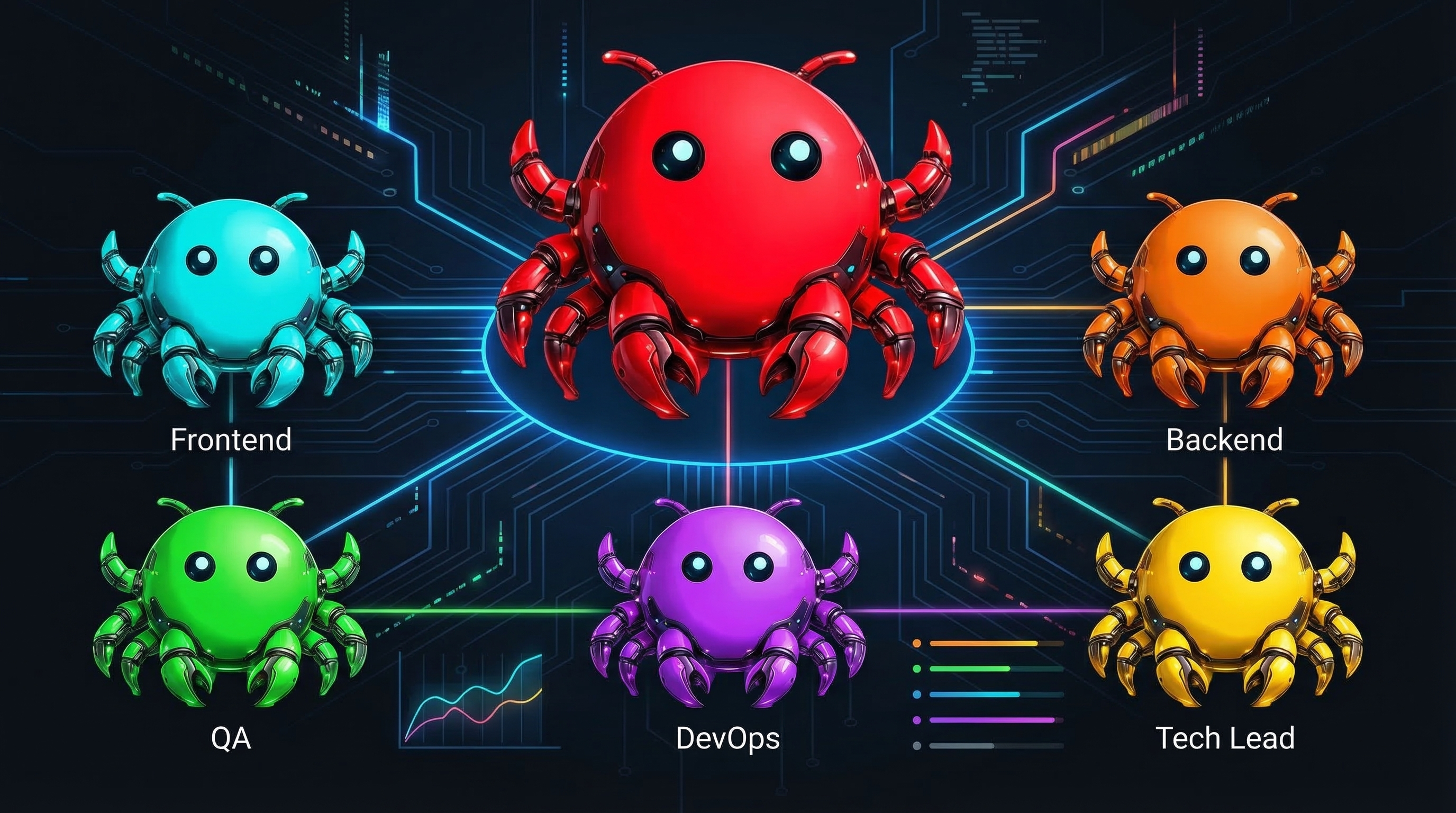
What If Your AI Actually Worked Like a Team?
Not one confused agent doing everything. A coordinated team where each agent has a clear role, knows when to hand off, and ships real code.
Specialized Roles
Tech Lead plans. Frontend builds UI. Backend handles APIs. QA catches bugs. Each agent does what it's good at.
Clear Handoffs
Structured workflows with checkpoints. No context loss. No confusion about who does what.
Built-in Safety
Trust ladder determines autonomy. Dangerous operations require approval. Predictable, not chaotic.
What's Inside the Playbook
154-Page PDF Guide
Not theory fluff. Every chapter is practical: architecture decisions, code examples, real scenarios you'll face.
- Multi-agent architecture patterns
- SOUL.md for every role
- Safety rails & trust ladder
- Debugging workflows
11 Ready-to-Use Skills
Drop these into OpenClaw and start using immediately. Each skill is battle-tested from real projects.
- Tech Lead & Project Manager
- Frontend, Backend, QA, DevOps
- PRD Writer & Code Reviewer
- Test Writer, API Designer, DB Architect
Templates & Artifacts
Stop starting from scratch. These templates handle 80% of the boilerplate thinking.
- PRD template with sections
- Architecture Decision Records
- PR templates with checklists
- Sprint planning artifacts
Real-World Examples
See exactly how to build features end-to-end. Not toy examples — production patterns.
- Auth system from scratch
- API with validation & docs
- React components with tests
- Full feature: idea → deploy
The 11 Skills Included
Each skill comes with a complete SOUL.md, memory structure, and tool configuration.
tech-leadArchitecture, planning, code review, team coordinationproject-managerSprint planning, status tracking, deadline managementfrontend-devReact/Next.js, components, accessibility, responsive designbackend-devAPIs, databases, auth, security, integrationsqa-engineerTesting, bug hunting, edge cases, quality gatesdevopsCI/CD, deployment, monitoring, infrastructureprd-writerGenerate complete PRDs with acceptance criteriacode-reviewerReview PRs for quality, security, and patternstest-writerUnit, integration, and e2e test generationapi-designerRESTful design, OpenAPI specs, documentationdb-architectSchema design, migrations, Prisma modelsWhat Developers Are Shipping
Table of Contents
The Architecture
- Why multi-agent beats single agent
- The pipeline pattern explained
- Orchestrators vs. specialists
- Parallel execution strategies
Agent Design
- SOUL.md anatomy for each role
- Memory architecture per agent
- Tool access and permissions
- When to use which agent
The Workflow
- Feature request to production
- Handoff protocols that work
- Checkpoints and approvals
- The trust ladder system
Coding Agents
- Ralph loops for reliability
- TDD prompts that actually work
- Parallel agents with git worktrees
- Monitoring and recovery
Real Examples
- Building auth from scratch
- API design walkthrough
- React component development
- Full feature: idea to deploy
Scaling & Safety
- When to add more agents
- Handling failures gracefully
- Security considerations
- Production checklist
Ship Today Guarantee
If you can't get a working agent pipeline running within 24 hours of purchase, email me and I'll personally help you debug it. If that still doesn't work, full refund, no questions.
neo@clawguides.ai
Frequently Asked Questions
What do I need to use this?
OpenClaw installed on a Mac or Linux machine. The guide includes setup instructions. Basic command line familiarity helps, but you don't need to be an expert.
Does this work with Claude? GPT-4? Other models?
Yes. The patterns work with any model OpenClaw supports. We recommend Claude Sonnet for coding tasks and Opus for planning, but it's model-agnostic.
Is this just a collection of prompts?
No. It's a complete system — architecture patterns, workflow design, 11 ready-to-use skills, templates, and safety rails. The prompts are just one piece of it.
I already use Cursor / Claude Code / Copilot. Is this useful?
Absolutely. Those tools are great for single-agent tasks. This playbook helps you coordinate multiple agents for complex features that need planning, implementation, review, and testing.
How long does it take to set up?
Most developers have their first agent pipeline running in under an hour. The skills are plug-and-play — drop them into OpenClaw and they work.
Do I get updates?
Yes. Lifetime updates. As I learn new patterns and improve the skills, you get the updated versions automatically.
Ready to Build Your AI Dev Team?
154-page playbook. 11 battle-tested skills. Real examples. Lifetime updates.
One-time purchase • Instant download • Ship today guarantee